
Simplify shared office document tasks
Three functions together
Handle copying, printing, and scanning without relying on separate machines.
Selection based on workflow
User numbers, scan tasks, and monthly demand guide the device choice.
Technical support available
Servicing and repairs can address faults across the full multifunction device.
Copy, print, and scan through one device
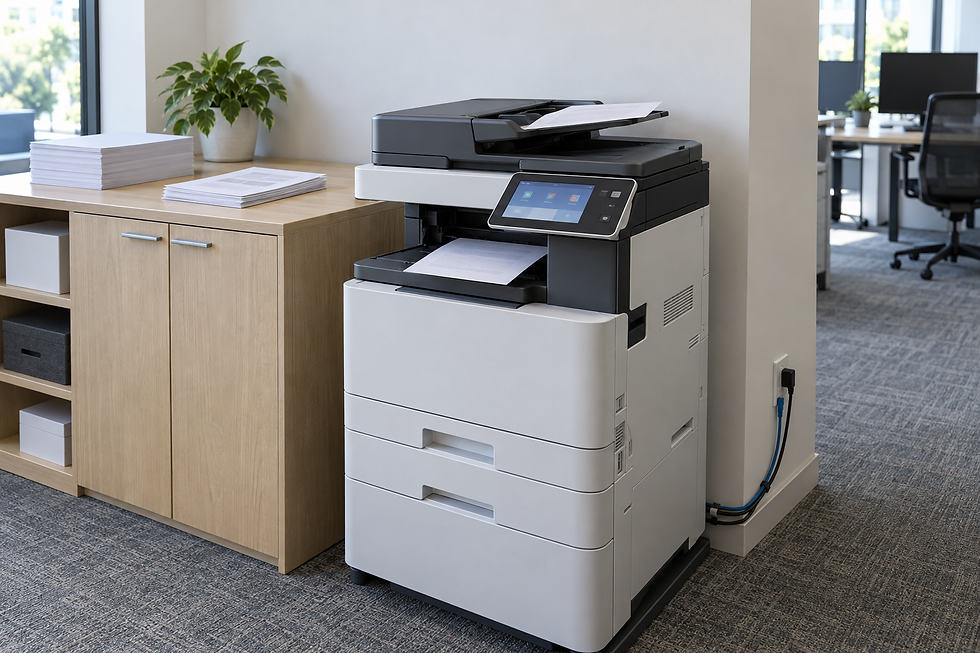
Moving between separate office machines wastes space and can make simple document tasks harder to manage. A multifunction device brings copying, printing and scanning together, helping staff handle paper and digital files from one shared point. We guide selection using user numbers, monthly workload and mono or colour demand. For teams in Wrexham, we also consider scan workflows, network use and the types of documents handled most often. This keeps the discussion focused on how work moves through the office rather than features in isolation.

Compare specifications that affect daily work
Paper formats, tray capacity, and finishing functions can decide whether a device supports your normal workload or creates another manual step. We present available machines with model images and useful specifications so you can make like-for-like comparisons. Physical space and the number of people sharing the device also affect the required capacity. Once the equipment is in use, specialist servicing and repair support remain available for multifunction devices, including faults that affect one or several functions.
Frequently asked questions
What does a multifunction printer do?
It combines printing, copying, and scanning in one device. This can reduce reliance on separate machines and give a team one shared point for handling both paper documents and digital files.
How do we choose the right device capacity?
We consider monthly workload, user numbers, colour demand, paper formats, and scan activity. Network use and finishing needs also help determine which machine can support the office without being needlessly large.
Can you service a multifunction device after purchase?
Yes. We provide servicing and repair support for multifunction devices as well as photocopiers. Diagnosis can cover the printer, scanner, document feeder, paper path, and device configuration.